
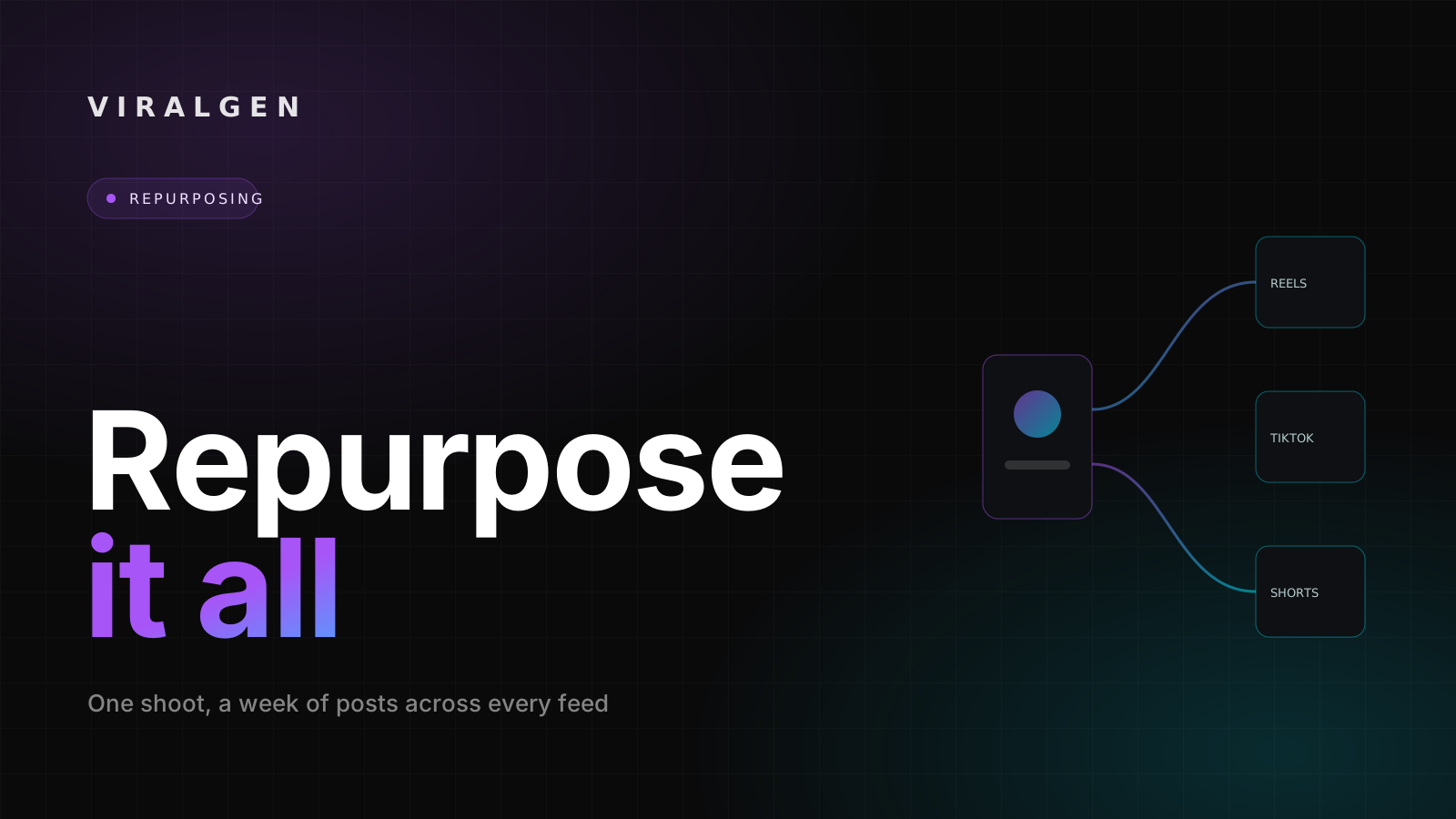
Content repurposing is the habit that separates creators who post once a week from teams that show up every day.
Instead of hunting for a fresh idea before every slot, you take one strong idea, shoot it once, and turn one video into many posts.
The effort moves to the front, into planning and filming, so the daily grind of inventing something new disappears. Done well, content repurposing multiplies your output without multiplying your hours.
A content repurposing strategy is really just that loop, written down and repeated each week. This guide lays out the system: how to pull many posts from a single shoot, how to adapt one clip so it feels native on each platform, and how to build a habit that keeps your calendar full even when the week gets busy.
What content repurposing really means
Repurposing is not crossposting. Buffer's guide to repurposing content says it plainly: repurposing is not sharing one identical file everywhere, and you should make modifications to fit the platform. Socialinsider frames the same idea as translation rather than duplication. You take one asset and carry its core message into a new format, for a new audience, in a new place.
That distinction is the whole game. When you repurpose content for social media, the aim is not to be everywhere with the same file, it is to be everywhere in the right shape. Copy the same vertical video to three apps with the same caption and the same hook, and both the algorithms and your audience will notice. Translate the idea instead, and each version earns its own reach rather than competing with the others.
Why one shoot can feed a whole week
The feed is hungry. Sprout Social cites the 2025 Content Benchmarks Report, which found that brands published 9.5 posts per day across social networks in 2024. Very few solo creators or small teams can invent, film, and edit that volume from a blank page. Repurposing content for social media is how a lean team keeps pace without hiring a studio.
There is a persuasion argument too. Sprout Social points to the old marketing idea called the Rule of Seven, the notion that people need to meet a message several times before they act on it. Repurposing gives you those repeat impressions without repeating yourself word for word, because each post carries the same idea in a different shape.
Audiences are also spreading out: Sprout Social's 2026 report found that 87% of marketers plan to expand to more networks in 2026. If you are going to show up in more places, you need a way to fill them that does not exhaust your team, and a proven idea can become a Reel, a Story sequence, and a follow up carousel rather than living and dying in one feed on one day.
- 01
One idea, one shoot
Start from a topic that already earned saves or shares.
- 02
Capture
Film the hero clip plus alternate angles, stills, and extra footage.
- 03
Cut the hero
Edit one strong short for Reels, TikTok, and Shorts.
- 04
Break it out
Pull a carousel, a quote card, a still, and a behind the scenes Story.
- 05
Adapt per platform
Rework hook, caption, length, aspect ratio, and sound.
- 06
Audit
Check every clip for a strong first second, clean captions, and quality.
- 07
Schedule and learn
Spread the set across the week, then feed the winners into the next idea.
The effort moves to the front. The daily scramble disappears.
The repurposing workflow, step by step
Here is a workflow you can run every week. It turns repurposing from a scramble into a routine.
- Start with a proven idea, not a random one. Look at your own analytics and pick a topic that already earned saves, shares, or comments. Adapt content that has proved itself, rather than repurposing weak posts just to fill slots.
- Shoot once, and capture extra. While the camera is set up, film the main clip, then grab alternate angles, a slower take, a few stills, and some extra footage. Those spare assets become separate posts later, at no extra setup cost.
- Cut the hero clip. Edit one strong short video first, the piece you would be proud to lead with. This is your anchor for the week, and everything else hangs off it.
- Break the hero into pieces. Pull a quote, a carousel, a still, and a short text post out of the same material. Buffer suggests aiming for at least five smaller posts from every long piece you make, so treat five as a floor, not a ceiling.
- Adapt each piece to its platform. Rework the hook, caption, length, aspect ratio, and sound so the post feels made for the app it lands on, not copied into it.
- Audit every clip before it ships. Check that each version has a clean hook in the first second, readable captions, and quality that matches your standard. A quick pass here protects the whole set.
- Schedule the set across the week. Spread the posts so one shoot covers several days on several platforms, instead of dumping everything at once.
- Track winners and feed them back. Note which cut performed, and let that decide the next idea you shoot. The loop makes each week smarter than the last.
One clip, many formats
The heart of content repurposing is seeing one clip as raw material for many posts. From a single short video and the footage around it, you can usually build:
- The hero short: the main clip as a Reel, a TikTok, and a YouTube Short.
- A quote card or text post that lifts the single strongest line.
- A carousel that breaks the idea into three to five steps.
- A still photo from the shoot as a feed post or thumbnail.
- A behind the scenes Story showing the setup or the bloopers.
- A longer cut or written post that expands the idea for people who want depth.
- A follow up clip that answers the top comment on the first one.
- An FAQ or tutorial built from the questions the clip raised.
Not every idea fills every box, and it should not. Pick the formats that fit the idea and your audience, and let the rest go. The point is optionality: one shoot gives you a menu, and you choose from it.
Adapt each clip to the platform
Match the format to the app
The same idea should look different in each place. Sprout Social is blunt that what works for one network is not right for another, and Planoly advises tailoring content to the unique characteristics of each platform. In practice that means respecting native length, aspect ratio, captions, and trends rather than exporting one file for all three apps.
Rewrite the hook for each audience
A hook that lands on TikTok may fall flat as a Reel. Change the first line, the on screen text, and the sound to match how people watch on each app. The core message stays fixed, and the packaging flexes. That is the difference between a post that feels native and one that feels dumped. This step is why repurposing beats crossposting: it costs a few minutes per platform and returns reach you would otherwise leave on the table.
Build the repurposing habit
Batch the boring parts
Repurposing pays off most when you batch. Planoly notes that a single focused filming session can produce a month of videos, which means you set up lights, camera, and wardrobe once and walk away with weeks of raw material. Editing and scheduling can then happen in their own batches later, so you are never doing everything at once. Batching is what makes the habit survive a busy week.
Keep a running idea list and a calendar
A repurposing habit needs two simple tools: a running list of proven ideas worth reshooting, and a calendar that maps each piece to a day and a platform. If you want a deeper routine for showing up daily, see our guide on how to post consistently, and lean on planning and scheduling to keep the whole week visible in one place.
Teams juggling several accounts can borrow the same structure from our content agency workflow, where one shoot has to serve many calendars at once.
How ViralGen turns one idea into a week
ViralGen is built around the same one to many logic, applied from discovery through scheduling. It starts by finding short form video that is already going viral, scored by views against followers, so you spend your effort on ideas with proof behind them rather than guesses. That is the same principle as step one of the workflow above, and you can explore it in viral content discovery.
From there it recreates the idea with a consistent AI persona, so every clip in the set looks like it came from the same creator. That keeps a week of posts on brand without a week of filming, and it is what makes repurposing scale for faceless creator accounts in particular.